
HOW IT WORKS
STORE EVERYTHING. PRIVATELY.
Enterprises don't store the complete history of every file from every endpoint for one reason. It is brutally hard at scale, and the storage bill scares people into settling for logs. CISOs also know the log-only standard is collapsing under its own volume.
Stairwell solves the storage and threat hunting problem by treating security as data search, and your files as the ground truth. With no logs involved.
HOW IT WORKS
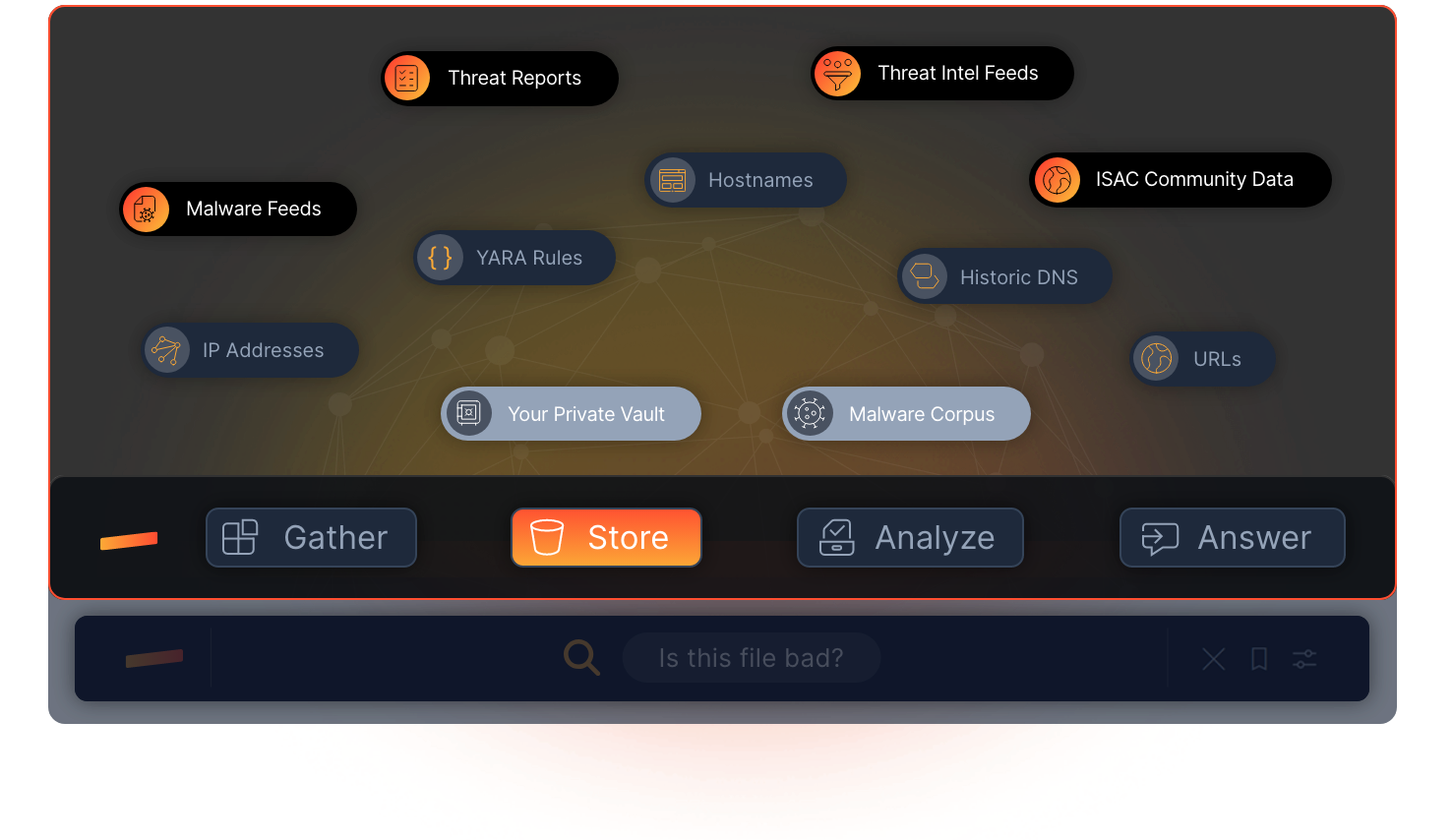
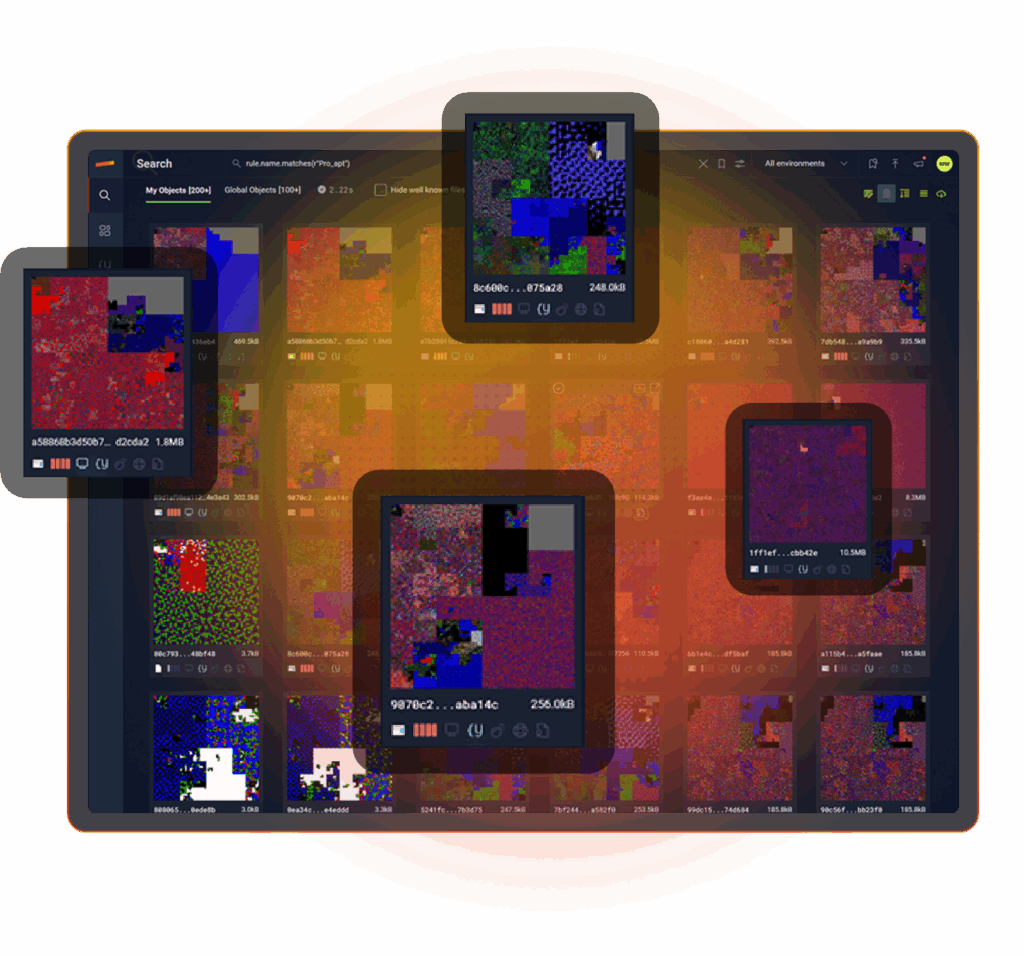
Stairwell stores files from every endpoint, then correlates threat intelligence, finds malware variants, to answers questions about your environment with confidence. Built at planet scale requiring no additional log storage costs or ingestion fees, Stairwell is a search engine for your private files and stores one of the world’s largest malware corpuses.

EVERYTHING IN ONE PLACE
Enterprise files, malware, DNS, EDR alerts, IOCs, YARA rules, intel feeds, stored in one data lake.

PRIVATE BY DESIGN
Stored in a private vault. Your threat intelligence stays yours, and nobody else’s.

INVISIBLE TO ADVERSARIES
Attackers reverse engineer endpoint tools, but cannot study a SaaS system they cannot access.
EVERY FILE STORED
Your most important dataset is your files. Stairwell stores every executable from every endpoint in your Private Vault and keeps it there, so you can answer security questions faster.
When a file changes, Stairwell stores the new version too and analyzes it again. No arbitrary retention windows. Once Stairwell is deployed, you build a complete file history for every device in your enterprise from that point forward.

FILE RETENTION. UNLIMITED
Keep every file, indefinitely, so you never lose the timeline. Stairwell shows exactly when changes happened and what changed.
As new IOCs emerge, Stairwell reruns them across your full history, letting you build a complete storyline for every file.

EXECUTABLES ONLY
You decide what gets uploaded to Stairwell. To protect privacy, Stairwell stores only executable files and scripts in its data lake.
More than 50 file types are supported, including EXE, DLL, MSI, CMD, ELF, PKG, PY, VB, and PS1.
MEMBERS-ONLY MALWARE SHARING
Stairwell includes a Members-only shared vault for trusted groups who share threat intelligence together. Members store malware samples and share IOCs, YARA rules, and reporting in one shared space, while every organization’s Private Vault stays separate.
This is how a community turns scattered intel into shared advantage. Stairwell was named Associate Vendor of the Year by RH-ISAC, and members use Stairwell to share threat intelligence in a members-only shared vault.

PRIVATE MALWARE CORPUS
Stairwell maintains a private malware corpus inside its data lake, growing by more than one million files every day. That depth gives you real hindsight, because today’s intel can recontextualize yesterday’s files.
Unlike public malware checking tools, Stairwell stays private and out of band. Adversaries cannot query it, study it, or learn what you know.
THREAT REPORT IOCS. INSTANTLY SEARCHABLE.
Stairwell stores a deep library of published threat reports in its data lake, including over 2,700 reports and more than 35,000 IOCs. That means your team can immediately check whether any reported indicators appear in your enterprise files, without manual parsing or copy paste searches.
You get faster answers, less busywork, and hours back every week.

ACTIVE DNS INTEL YOUR SOC TRUSTS
Stairwell continuously ingests over four billion active DNS requests every day and stores the responses as historical context for investigations. More data over time means a clearer story when you need to understand where a file connected and what it touched.
This goes beyond passive DNS. Stairwell tracks the shifting infrastructure adversaries use to deliver malware, so your SOC sees current reputation, not yesterday’s leftovers.

SHARED YARA AND PRIVATE RULES.
Stairwell includes a shared library of YARA rules available to every customer. Your own YARA rules remain private, and are only run against your enterprise files and Stairwell’s Malware Corpus.
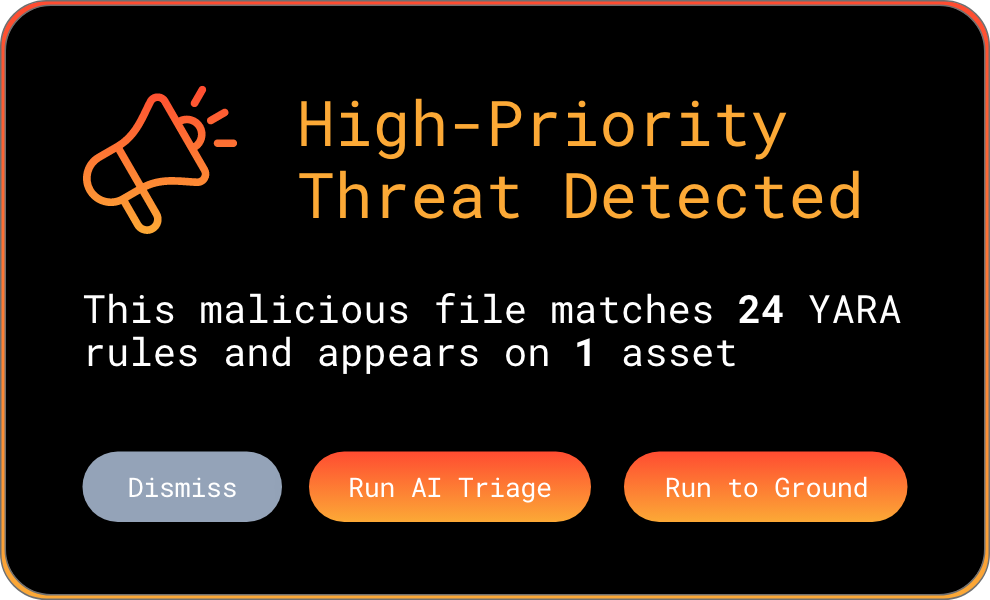
With rules running continuously, you get daily visibility into any new files that match, without manual hunts.
ENGINEERED FOR PLANET-SCALE
Built by Google and intelligence veterans. Web-scale indexing, YARA at ludicrous speed, and structured AI reasoning turn raw artifacts into instant understanding across everything you’ve ever seen.
LEARN MORE ABOUT STAIRWELL
FREQUENTLY ASKED QUESTIONS
Why should enterprises store executable files rather than just relying on logs?
Logs record what happened; files reveal what was designed to happen and are the source of truth. When an analyst investigates an incident months after compromise, log entries tell them a process ran at a certain time, but the executable itself shows the code, capabilities, and infrastructure embedded in the malware. Without the file, many key investigation questions simply cannot be answered from log data alone.
The practical limitation of log-only approaches becomes obvious during incident response when responders need to determine whether a file from a past alert is related to a current attack. If the file was never stored, that question cannot be answered without reinfecting a system or waiting for the attacker to redeploy. A malware analysis platform that stores every executable from every endpoint creates a searchable history that responders can query during live investigations, enabling them to reconstruct infection timelines and scope using actual file evidence rather than log inference. Stairwell provides continuous hindsight across time since it was deployed.
What is a malware analysis platform and how does it manage file storage at enterprise scale?
A malware analysis platform ingests, stores, and analyzes executable files and associated threat intelligence from across an enterprise environment. At scale, this means storing the full executable history from every endpoint, continuously applying detection logic and threat intelligence against that corpus, and making the entire dataset searchable and queryable for investigation workflows.
Secure file analysis at enterprise scale requires purpose-built storage architecture. Traditional log management systems are optimized for structured text data; file corpora require object storage capable of handling binary files, maintaining file provenance, and enabling fast similarity queries. Platforms designed around files as the primary data type treat security as a data search problem: rather than reviewing logs after the fact, analysts query a continuously enriched file database that surfaces answers to investigation questions directly from the artifacts themselves. Files are ultimately the source of truth for any investigation.
How does a private malware corpus improve threat intelligence quality over time?
A private malware corpus grows more valuable over time because historical files become re-analyzable as new intelligence arrives. A file collected three months ago that looked benign at the time can be re-evaluated today against a new YARA rule or a newly published IOC set, potentially revealing a connection to an active threat that was not known when the file was first seen.
This retrospective capability is what separates a threat intelligence platform from a simple file storage service. As the corpus expands with new malware samples, threat reports, DNS data, and YARA rules, all of it applies not just to files arriving today but to everything previously collected. For organizations that have been running the platform for months or years, this creates a compounding intelligence advantage: each new piece of threat intelligence immediately illuminates the full historical file record, making it easier to understand when attacks began, how they evolved, and what was missed at the time.
What file types should be collected for enterprise malware analysis?
The highest-priority file types for enterprise malware analysis are executables and scripts because these are the file formats that can run code on an endpoint. This includes PE files (EXE and DLL), shell scripts (PowerShell PS1, CMD batch files, Bash scripts), Python files, VBScript, MSI installers, ELF binaries, and macOS PKG files. Collectively, these file types represent the primary attack surface for executable malware.
Focusing collection on executables and scripts rather than all file types is a deliberate design choice that balances coverage with privacy protection. Documents, images, and data files can contain exploits, but the executable files they drop or invoke are the actual threat artifacts. Stairwell supports more than 50 executable and script file types, and the platform collects only this category of files from endpoints, keeping the analysis focused on the artifacts that matter most for malware detection and threat hunting workflows. Which file types are gathered and stored is decided by Stairwell users during deployment.
What is the value of unlimited file retention for incident response teams?
Unlimited file retention means incident responders can query the full history of every executable that ever ran in the environment without worrying about retention windows. During a breach investigation, the ability to ask when a specific file first appeared, what changed over time, and which systems saw it across all historical dates is often the difference between a complete picture and an incomplete one.
Most organizations set log retention windows of ninety days to a year based on storage costs and compliance minimums. That window is often too short for incident response scenarios involving advanced persistent threats, which may dwell in an environment for months before triggering any alert. File retention systems that preserve the full history from deployment forward give responders the timeline they need. When new threat intelligence connects a previously unknown file to a known APT, the ability to look back years and determine when that file first appeared is critical for understanding the true scope of a compromise.
How does a members-only shared vault work for ISAC threat intelligence sharing?
A members-only shared vault is an isolated storage space where trusted organizations within an industry group, such as an ISAC, can deposit malware samples, IOC lists, YARA rules, and threat intelligence reports that are visible only to other members of the group. This enables collaborative intelligence sharing without exposing data to the general public or to organizations outside the trust group.
For organizations like ISACs, the shared vault model solves a persistent challenge: members want to share intelligence about threats targeting their industry, but they need confidence that their submissions cannot be accessed by adversaries or competitors. A properly isolated shared vault preserves each member organization’s Private Vault separately while making designated shared content available across the group. Stairwell was named Associate Vendor of the Year by RH-ISAC while supporting this model, enabling retail and hospitality security teams to pool intelligence about sector-specific threats in a controlled environment.
How does storing active DNS data support malware investigations?
Storing continuous DNS resolution history gives investigators the ability to trace where malware was connecting at any point in the past, not just at the moment of analysis. When a file is identified as malicious weeks or months after it first ran, the stored DNS data reveals which domains and IP addresses it was reaching out to during the period when it was active, providing critical infrastructure intelligence even when the attacker has since changed their setup.
Active DNS collection differs from passive DNS in that it continuously captures current resolutions rather than relying on data that reaches a sensor passively. At the volume Stairwell ingests (more than four billion DNS resolutions per day), the dataset captures the rapid infrastructure rotation that sophisticated threat actors use to evade IP-based blocking. When this DNS history is associated with file analysis, investigators can understand the full operational picture of a malware sample: not just what it does, but where it communicates, how that infrastructure has changed over time, and what other campaigns have used the same network resources.